Let's be honest — chasing payments is nobody's favorite part of tutoring. TutorPing has a built-in invoicing system so you can create invoices, send them to parents, and track what's been paid without juggling spreadsheets or separate accounting software.
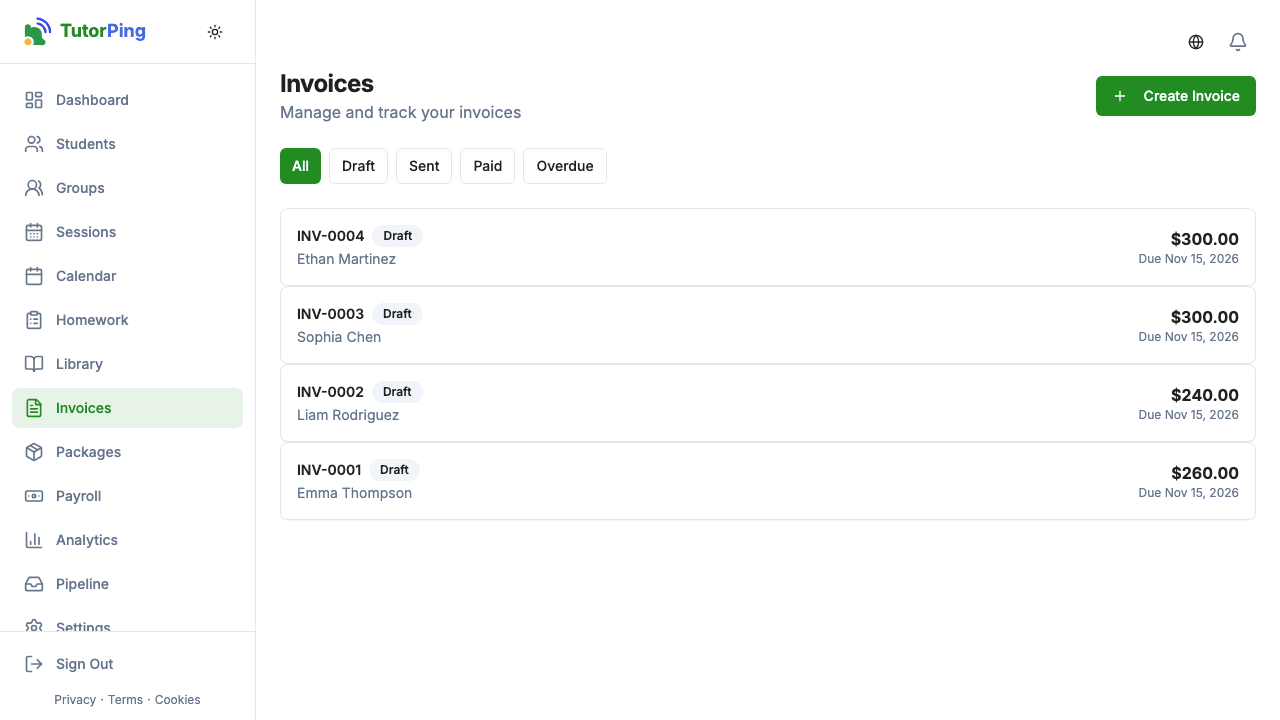
Your invoice list shows everything at a glance. Each invoice has a status, and you can filter by status to find what you need:
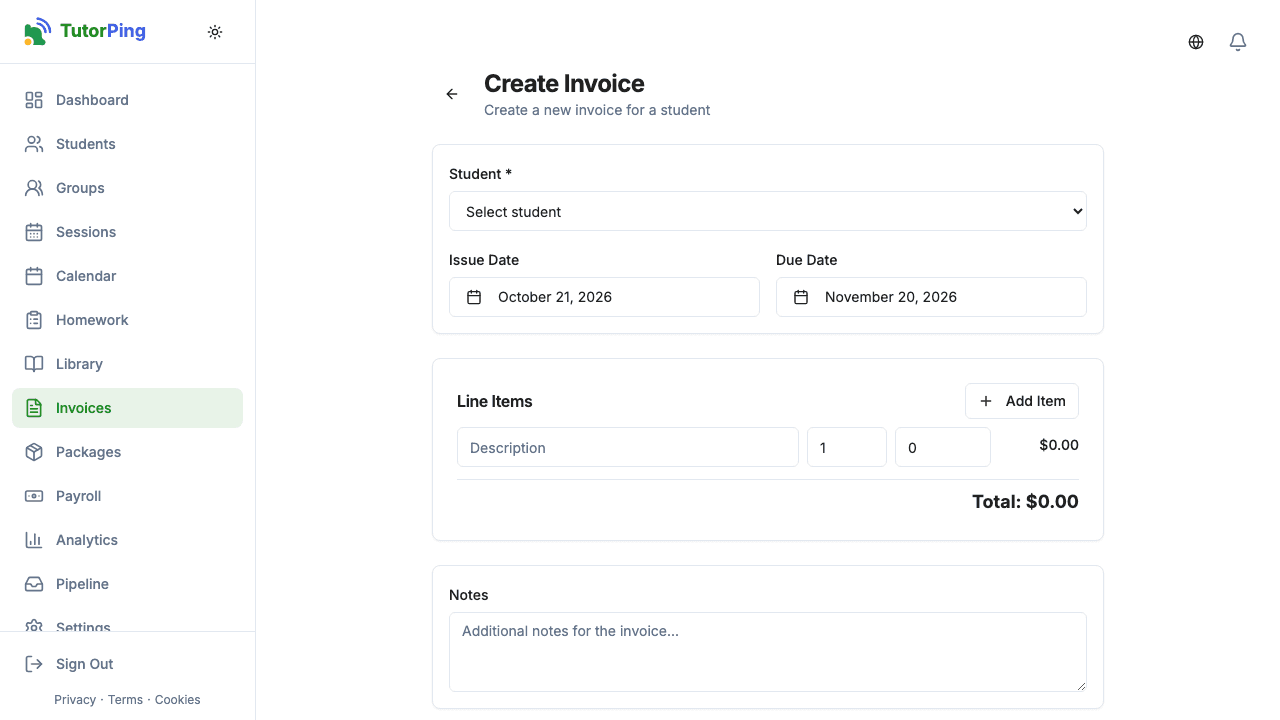
Click New Invoice and here's what you'll put together:
New invoices start as drafts, so you can review everything before sending. The invoice shows the subtotal, tax, and total automatically as you add line items.
Once you're happy with the invoice, you can send it to the parent. They'll see it in their parent portal where they can pay directly via Stripe if you've got that set up. You can also generate a PDF if you need to send it manually or keep a copy for your records.
If Stripe is connected, payments are tracked automatically — when a parent pays through the portal, the invoice updates to "paid" with the paid date recorded. For cash or bank transfers, you manually mark invoices as paid. Either way, you'll always know who's paid and who hasn't.
Stripe Connect
Each tutor gets their own invoice numbers, so there's nothing to set up there. Invoices use the currency chosen in your billing settings. On Pro and Business you can turn on automatic invoices every week, two weeks or month, built from the sessions you log. To accept card payments, connect Stripe in Settings. On the Business plan, custom branding puts your business name, color and logo on invoices.