This is where TutorPing really earns its keep. After every lesson, you log what happened — the topic, how the student did, any notes for next time. It takes a couple of minutes, and it means you never walk into a session thinking "wait, where did we leave off?"
Your sessions page shows your last 50 logged sessions. You can filter by student or narrow things down to a specific date range to find what you're looking for. Each entry gives you the quick picture: student name, date, topic, duration, and progress rating.
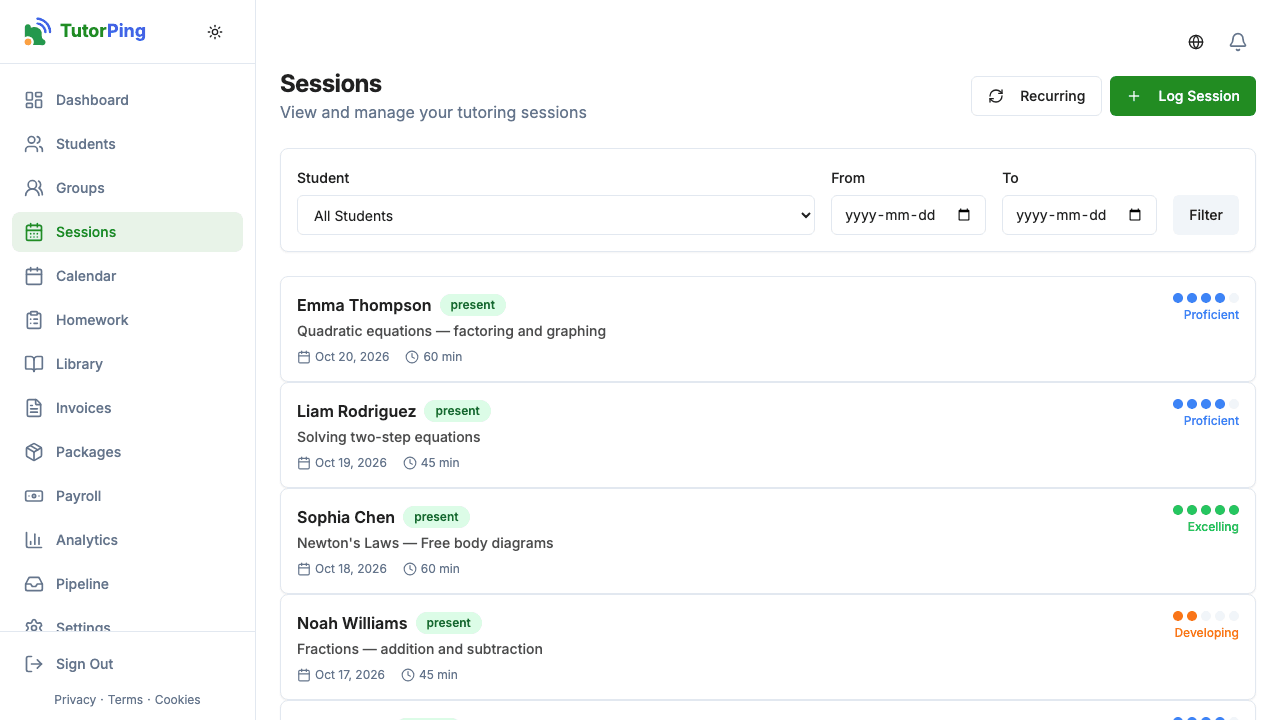
Hit New Session and you'll fill in a few fields. It's straightforward — here's what each one does:
You can also attach homework directly to a session — handy if you want to assign practice problems while the lesson's still fresh. And if you made a mistake? No worries, you can edit any session after the fact.
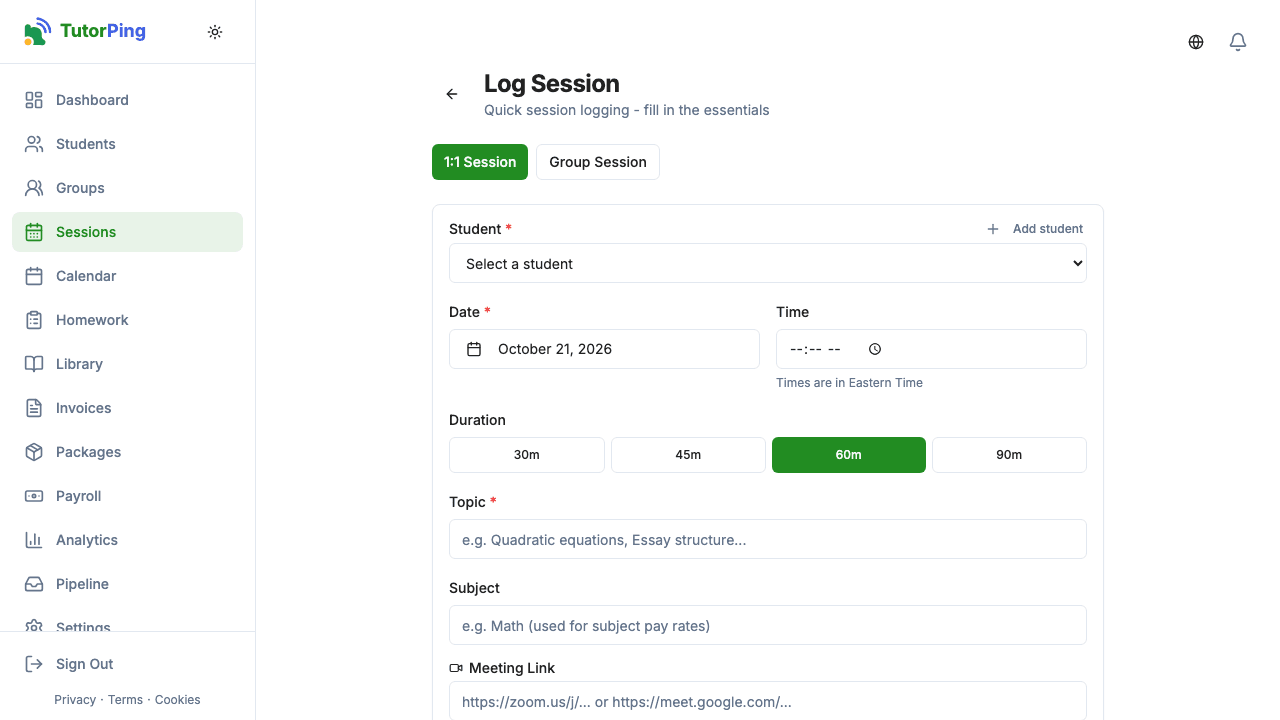
Teaching a small group? You can log group sessions too. The difference is that each student in the group gets their own attendance status, progress rating, and notes. So if three kids were in the session but one was absent, you track that individually — no awkward workarounds.
The 1-5 scale gives you a quick, consistent way to track how a student's doing over time:
These are color-coded from red to green, so you can scan a student's history and instantly see the trend. Parents see the same colors in their portal.
If you see the same student every Tuesday at 4pm, you don't want to create that session manually each week. Set up a recurring schedule — pick the day, time, student, and frequency (weekly) — and TutorPing projects those sessions onto your calendar automatically.
Pro plan required
Click any session to open the full record. From here you can edit anything you logged, see any homework that's attached, and check whether the parent notification was sent. It's also a good place to review your "next session" notes before the student walks in.