 TutorPingDocsTutorPingDocs
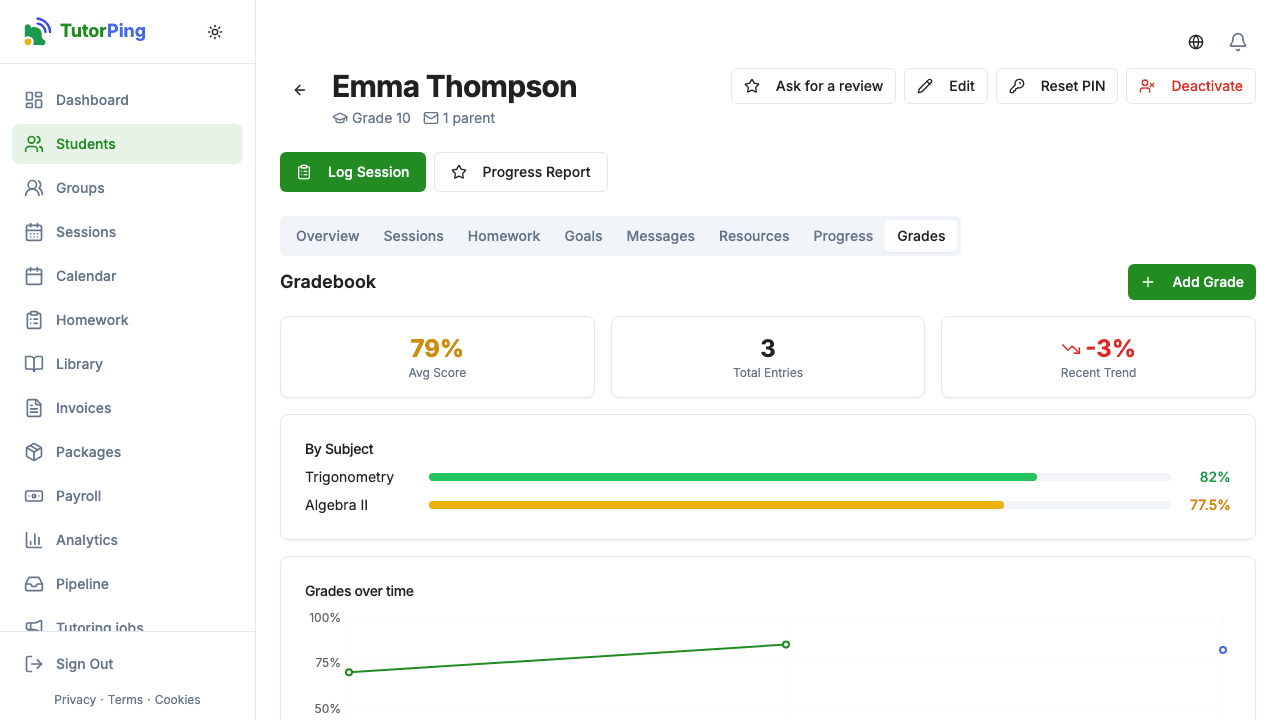
The gradebook keeps every quiz, test and mock exam a student takes with you, shows the average and the trend, and can tell parents about each new grade. It's included on every plan.
Categories sort grades into groups you choose, such as "Quizzes", "Homework" and "Mock exams". Create them from the Categories box in the gradebook. They help you and parents read the list; they don't change how the average is calculated.
For a group class, open the group and its Grades tab. Enter the title and maximum once, then each student's score on one screen. Every score is saved in that student's gradebook.
Tick Tell parents in the portal and by email to send a notice like "Emma received 17/20 (85%) on 'Chapter 5 Quiz'". In the parent portal, the Grades tab shows the average score, the average by subject and a chart of grades over time once there are two or more. Grades also appear in the printable progress report.