 TutorPingDocsTutorPingDocs
If your tutoring centre teaches in person, add each place and its rooms once. Lessons, group classes, weekly schedules and bookings can then carry a location and a room, and TutorPing warns you before a room is booked twice.
Business plan
A location you no longer use can be archived. Past lessons keep it in their history.
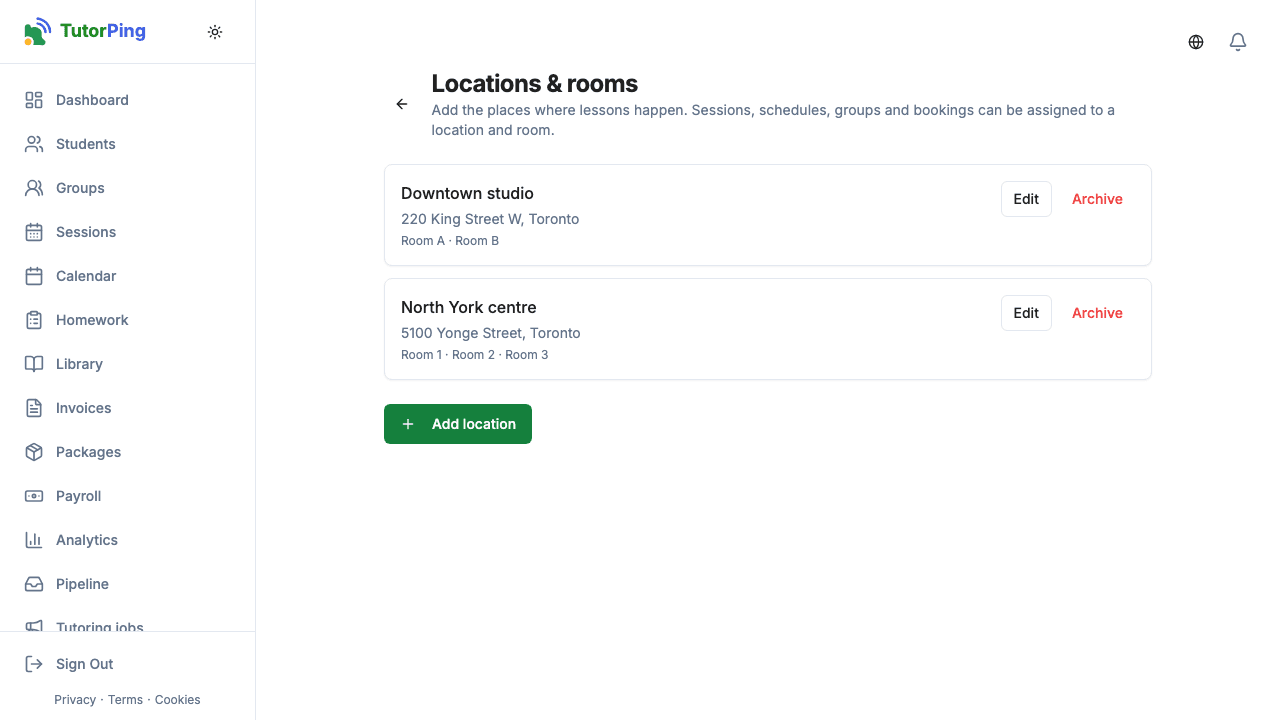
When you log or schedule a session, create a weekly schedule, set up a group class or confirm a booking, choose a location and, if you like, a room. Group sessions and the sessions generated from a weekly schedule take the location and room of their group or schedule automatically.
Before saving a new time or room, TutorPing checks whether that room is already used at that time, by any tutor in your academy. If it is, you see "That room is already booked at this time." and nothing is saved, so you can pick another room or time. Weekly schedules are checked against each other the same way.