 TutorPingDocsTutorPingDocs
An intake form is the enrollment form families fill in before their first lesson. Every submission becomes a lead in your pipeline, already tagged, with the answers attached, so you know who to call back first.
Pro and Business plans
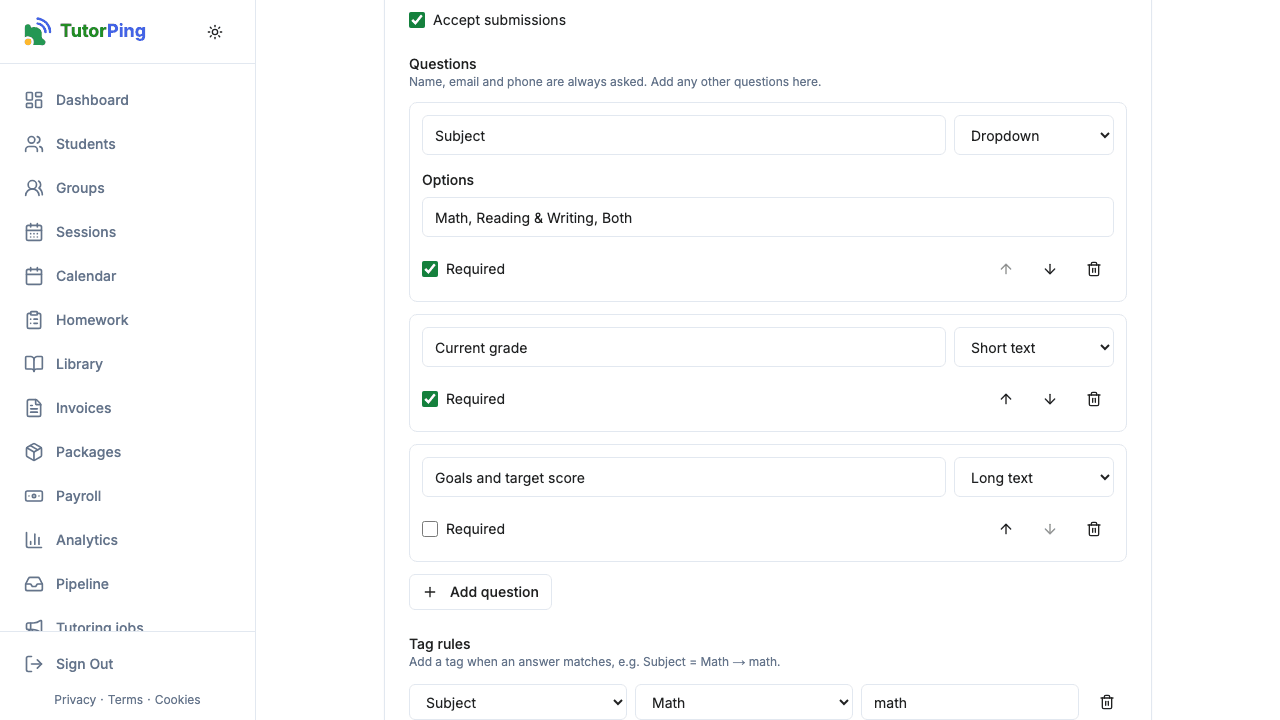
Each question can be marked Required and moved up or down. Answer types:
Tags added to the form go on every submission, for example sat and fall-2026. Tag rules add a tag when an answer matches exactly: "Subject = Math → math". A lead can carry up to 10 tags, and you can filter the pipeline by them.
Click Copy link to send the form by email, WhatsApp or in your social bio. To show it on your own site, use the intake form snippet described in Website widget. Forms are protected against spam with reCAPTCHA.
The family's details and answers appear as a new lead in your pipeline, with its tags. When you convert the lead into a student, answers to questions set to Copy to student field are copied into the student's custom fields, so you don't type them twice. If you use webhooks, a lead.created event is sent too.